learn
Direct your demo in plain words.
NextDemo films your app from a sentence. This page shows what you can ask for — and how to get the most out of it.
New to NextDemo?
Install →A guided setup in the docs — you'll be filming in a minute.
what you can ask for · 90-second clips
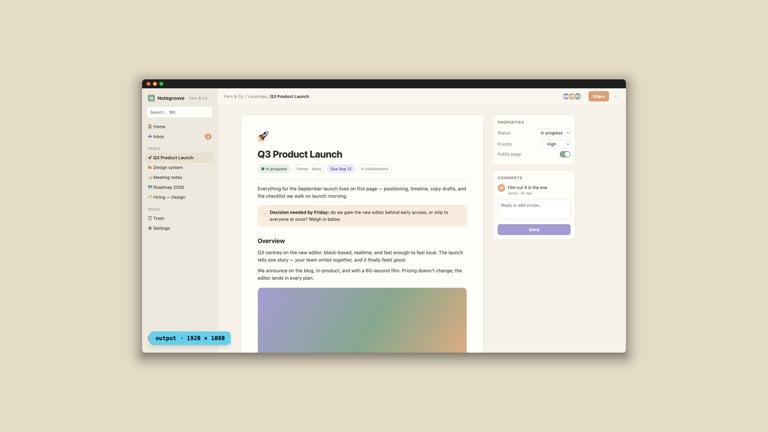
windowoutputvirtual screen
0:5101▶
How a video is composed
Window, virtual screen, output — and the chrome it wears.
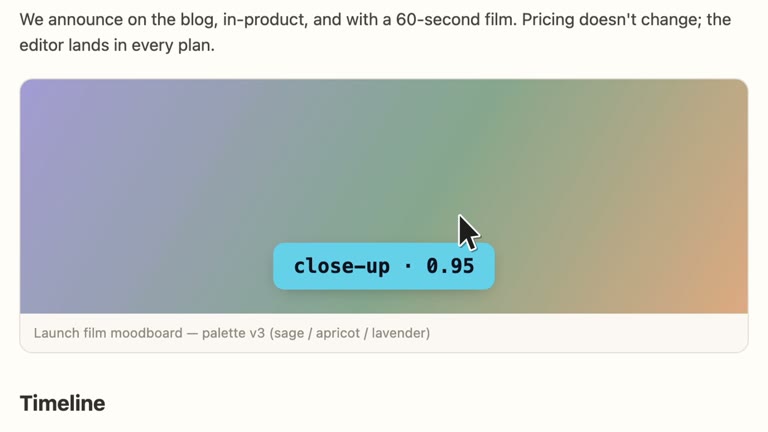
zoomlevelsanchor
1:0002▶
Directing the camera
Zoom by levels, anchor the frame, cut, snap, pan, scroll.
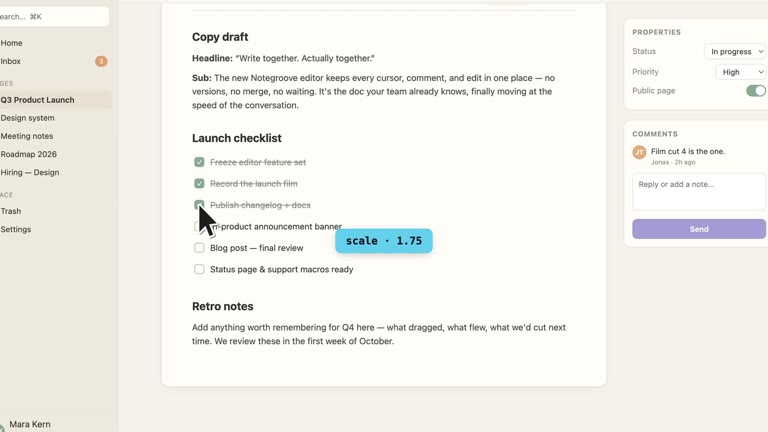
cursorclick effectscustom
1:0503▶
Cursors
The pointer as an actor — presets, click effects, your own.
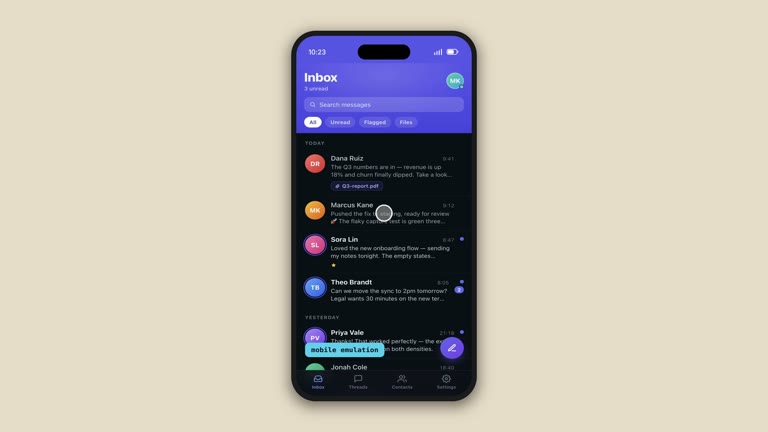
phonestatus bartouch
0:4004▶
Mobile
A real phone frame and its options.
See all 9 techniques
Every term you can direct with — one 90-second clip each.
director's notes
The clips above are mechanics. These are opinions — the shortcuts to a result you can ship. Free assets and tutorials will land here too.
BRAND IT
Point the agent at your logo and colors — videos come out on-brand.
Read the note →STUB IT
Title cards or a page you haven't built? Ask for an HTML stub and film that.
Read the note →SHIP IN PARALLEL
Your creative team shouldn't wait on the final build — script the demo against what's in development, and re-render the day it ships.
Read the note →latest from nextdemo