Screen recorder and UI-less editor for web apps
Recorded with NextDemo — like every video on this site.
Your product ships weekly. Your demos are from launch.
01 — Script
Your agent writes the script.
NextDemo records it.
Describe the scene in plain language. Your agent generates a Playwright script — zoom targets, timing, cursor path all included. You watch the MP4 appear.
New Task button, fill in the form, click Create, then pull back to show the new task in the list.02 — Re-render
The script stays.
The video catches up.
Re-run from your terminal, wire it into CI, or schedule it nightly. New tier added? Price changed? Feature list rewritten? Next run, the video reflects it. No new prompt.
03 — Cursor
A cursor the viewer can actually follow.
Larger than the real one, with smooth motion and click ripples. Viewers can track where every interaction lands. Turn it off if you don't want it.
You say →
…click the first item → the last item, continue, and then…
04 — Framing
Direct attention like a director.
Zoom, hold, pull back. Spotlight what matters. Pin your own labels. Hide what shouldn't ship. All composed before render — no editor needed.
Wide for the whole app, medium for a panel, close-up on a control, extreme close-up on the detail that sells it. One recording, every distance.
You say →
…pick obsidian black, then slowly zoom out so we see the whole app in a wide shot…
05 — Mobile
Mobile too.
From the same script.
Record any responsive flow inside a real device frame. Same agent, same script — different viewport. Drop the result on a phone bezel for social posts or onboarding clips.
You say →
Record the mobile version of…
06 — Audio
Press play — with sound.
Narration, a music bed, and sound effects on every interaction — synthesized and mixed right into the render. The one layer a silent screen capture always missed.
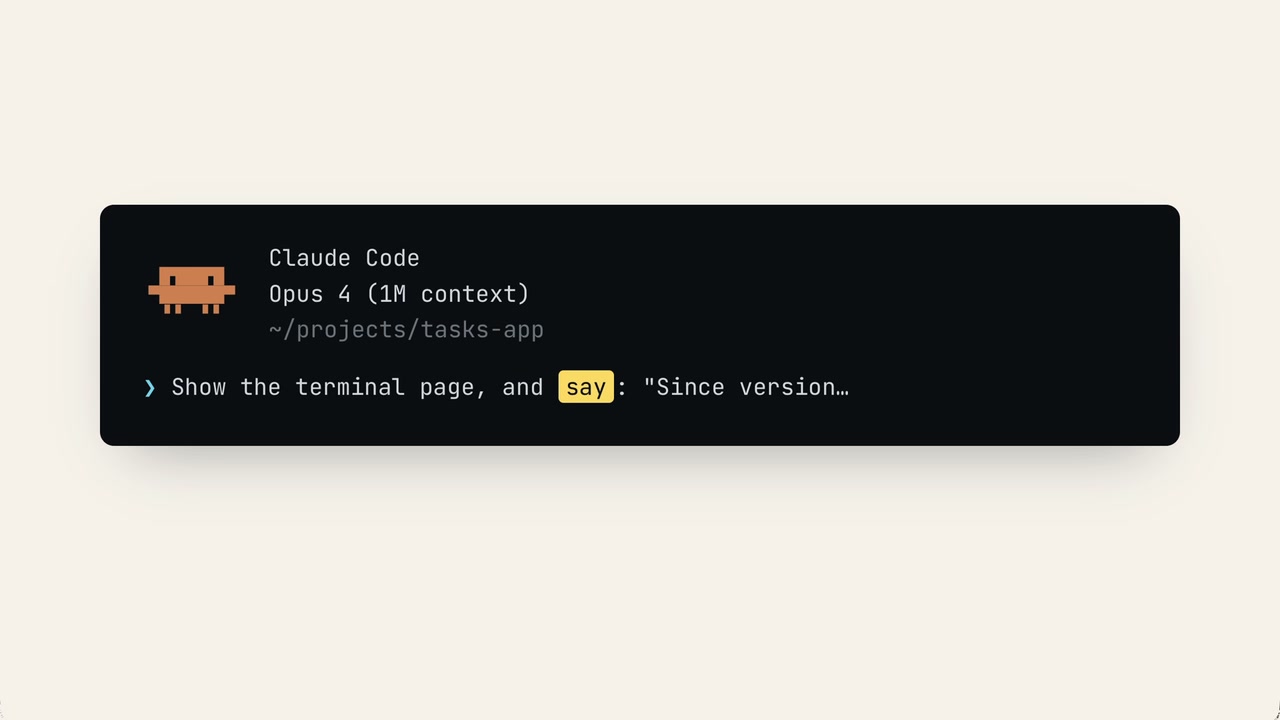
Narrate in a natural voice, generated from your script and mixed onto the track. Subtitles are generated automatically — no mic, no studio, no re-takes.
You say →
…and say "First, open the dashboard."…
01 — Voiceover
Narrate in a natural voice, generated from your script and mixed onto the track. Subtitles are generated automatically — no mic, no studio, no re-takes.
You say →
…and say "First, open the dashboard."…
02 — Background music
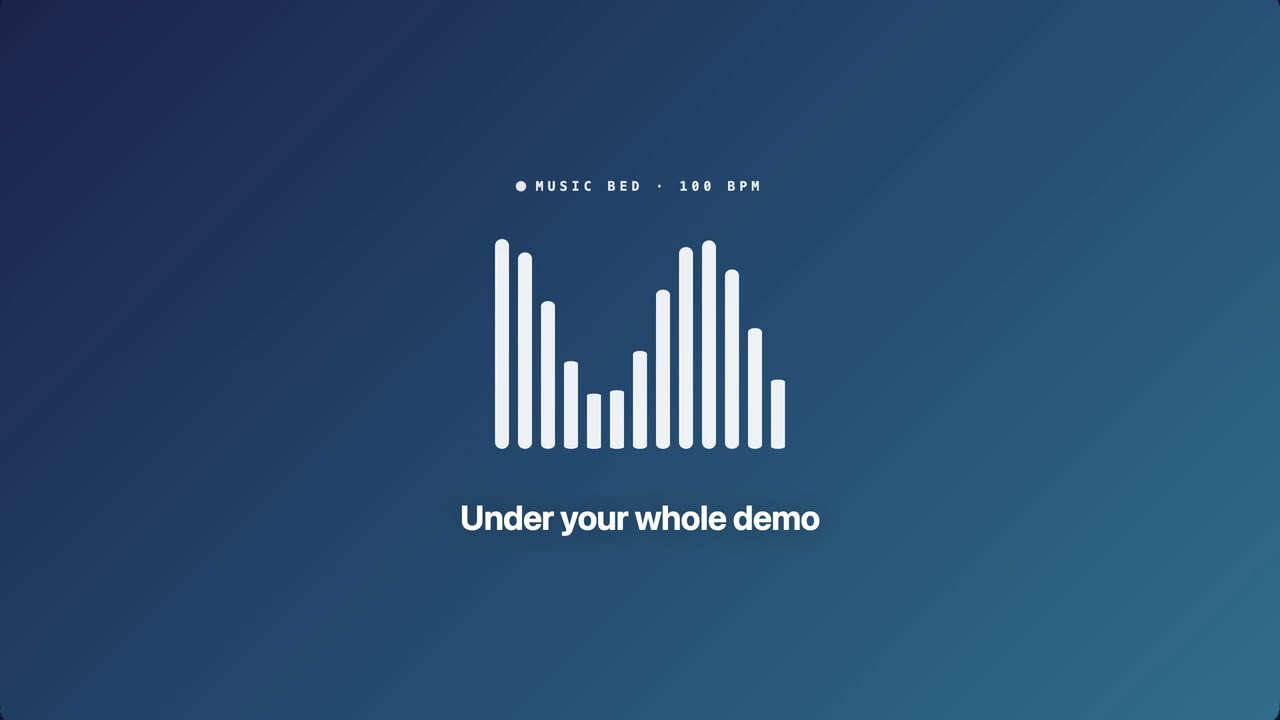
Lay one music bed under the whole video. It sits beneath narration on its own, then changes mood with a crossfade that locks to the beat — bar-aligned, never a stumble.
You say →
…start the music from the top, then beat-match the drop…
03 — Sound effects
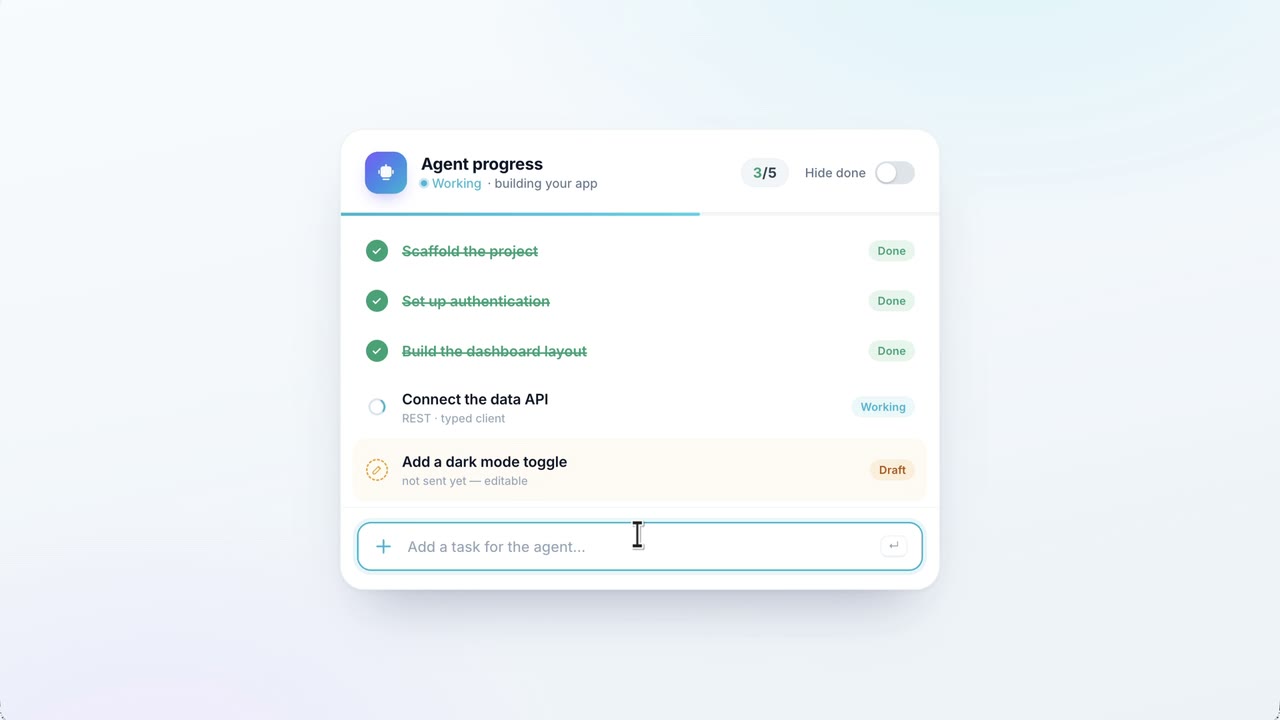
Pair a sound to any action — clicks, typing and key-presses play it automatically. Or fire a one-off anytime: a riser under a build, a chime the moment a task completes. Then shape each hit with volume and pitch jitter, so a repeated click never sounds copy-pasted.
You say →
…add sound effects — for clicks, use the "click.mp3" I left for you in the project root…
07 — Branding
Make it yours.
Drop in your brand background. Pin your logo to the corner. Customize the cursor. Pick your window chrome. The video looks like it came from your studio — not ours.
- BackgroundImage, gradient, or solid color
- CursorDefault, or fully custom design
- Window chromeMac, Windows, light, dark, or fully custom
- WatermarkYour logo, pinned to any corner
You say →
…use a subtle background gradient matching our brand colors, set the cursor to assets/my-cursor.png and the header to assets/light-header.png…
08 — Anywhere
Runs anywhere. Even in CI.
One script. Mac, Windows, Linux, or your CI pipeline. Every release ships a fresh video — not last quarter's recording.
08 — Use cases
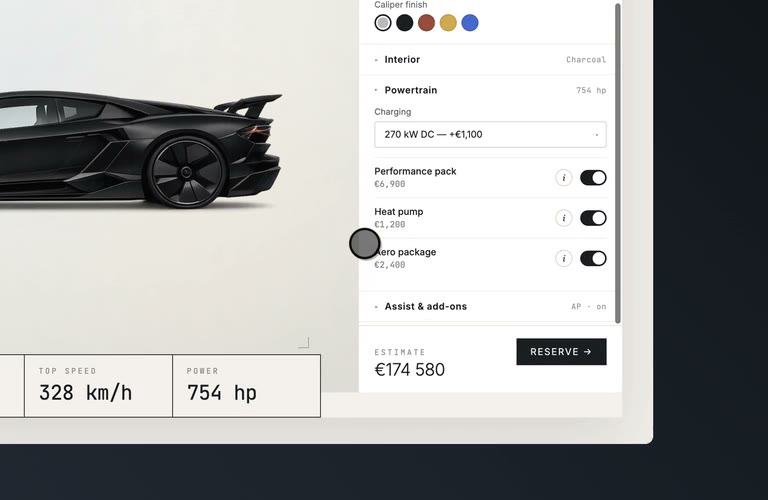
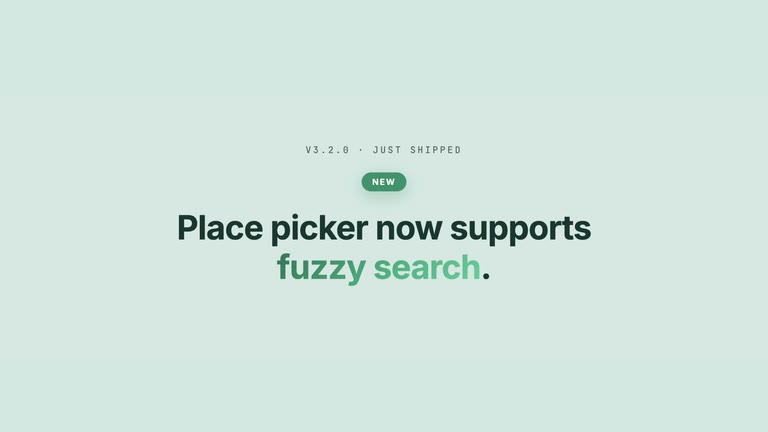
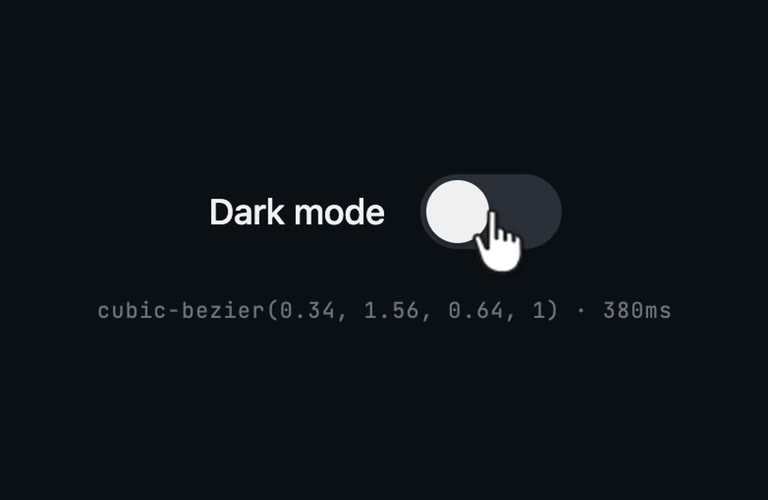
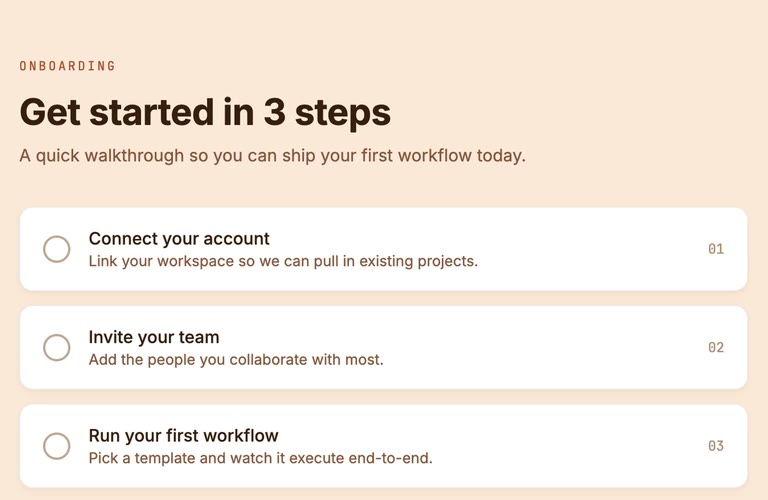
Every video your product needs.
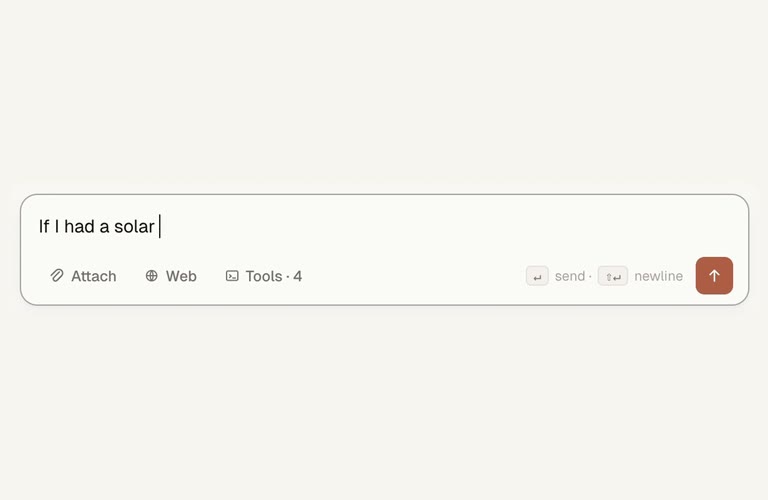
Six concrete things teams ship with NextDemo. Tap or hover to preview.
09 — Pricing
Priced by company size.Unlimited recordings.
Your plan
Startup
2–10 people
Billed $960 per year.
- Unlimited recordings
- Runs on your machine — no telemetry
- Includes the NextDemo recording skill
- Every laptop, runner and container you operate
- CI & automation, on every plan
Redirects to Lemon Squeezy
After checkout, you'll receive a license key needed after installation.
Working sessions
Stuck on the first prompts, the CLI, or your CI wiring? Book an hour with us — $300 per session. We work alongside your team and your agent; we don't record your product for you (that needs the access only you have). Included with the bigger plans: Growth 2 a year, Scale 8.
Book a session10 — FAQ
Questions you might have.Answers, no fluff.
Does NextDemo record my entire screen?
No — NextDemo isn't a screen recorder. It drives your app through a browser engine (Playwright) and records that viewport.
- ✓Works for: web apps, Electron apps, mobile-web flows.
- ✗Doesn't work for: native macOS or Windows apps, terminal windows outside Electron, other apps' windows, or anything not running in a browser engine.
If you need to record your whole screen or a native app, look at Loom, CleanShot X, or ScreenStudio instead.
Is there a free tier or a trial I can play with?
No free tier and no trial — but every purchase comes with a 14-day refund, no questions asked. The form is self-serve and processed by machine, so treat it as a trial in reverse: use NextDemo for two weeks, and if it isn't for you, refund yourself with one click.Is this per seat or per company size — and what's the difference?
Per company size. A single license covers your entire company — every employee, contractor and intern — so you never have to count seats or buy a new license when you onboard someone. Tiers map to total headcount: Solo (1), Startup (2–10), Business (11–50), Growth (51–200), Scale (201–1,000), Enterprise (1,000+). CI and automation are included on every plan, Solo upwards. Full terms are in the EULA.Can my company use this? Procurement usually asks for certifications.
Yes — and the vendor review is short, because your data never reaches us. NextDemo runs entirely on your machines: your app, your footage, and the rendered videos stay local. We don't know what you're recording, and the CLI sends no telemetry, no usage statistics, and no crash reports.
The only data we process is what a purchase requires: payment, handled by Lemon Squeezy as Merchant of Record, and license activation (your key plus a machine fingerprint hash). The complete picture is in the Privacy Policy and the sub-processor list — both short reads.
Does it run on macOS, Windows, and Linux?
Yes — and on Docker and GitHub Actions runners too. Specifically:- macOS 11 (Big Sur) or later, on Apple Silicon (M1 and newer). Intel Macs are not supported.
- Windows 10 or later, on x64 or ARM64.
- Linux on x64 or ARM64, on any modern glibc-based distribution (Ubuntu, Debian, Fedora, Arch, and so on).
On every platform,
ffmpegmust be onPATH. Headless Linux CI also needsxvfb— NextDemo starts it automatically whenCI=trueandDISPLAYis unset.On how many devices can I use NextDemo?
All of them. The license follows your company, not the device — install on every laptop, workstation, CI runner, container, and ephemeral VM you operate. We do enforce internal fair-use caps to prevent license keys from being shared across unrelated companies (see EULA §6). If your team's legitimate usage bumps into them, email [email protected] and we'll raise the cap.
Still curious? Email [email protected].